From first meeting to signature, without rewriting a thing.

Sophia preps your meetings, turns the call into a sourced deal room, tells you who read it and what to follow up on. You stay in control of every send.

Prepare

Walk into the meeting knowing where the account stands.

What was said, what was promised, who decides. Sophia reads it in your emails, calls and CRM, and sums it up on the account page.

  • Who owes what to whom, and since when.
  • The account's essentials, updated after every exchange.
  • The buying committee, with their roles.
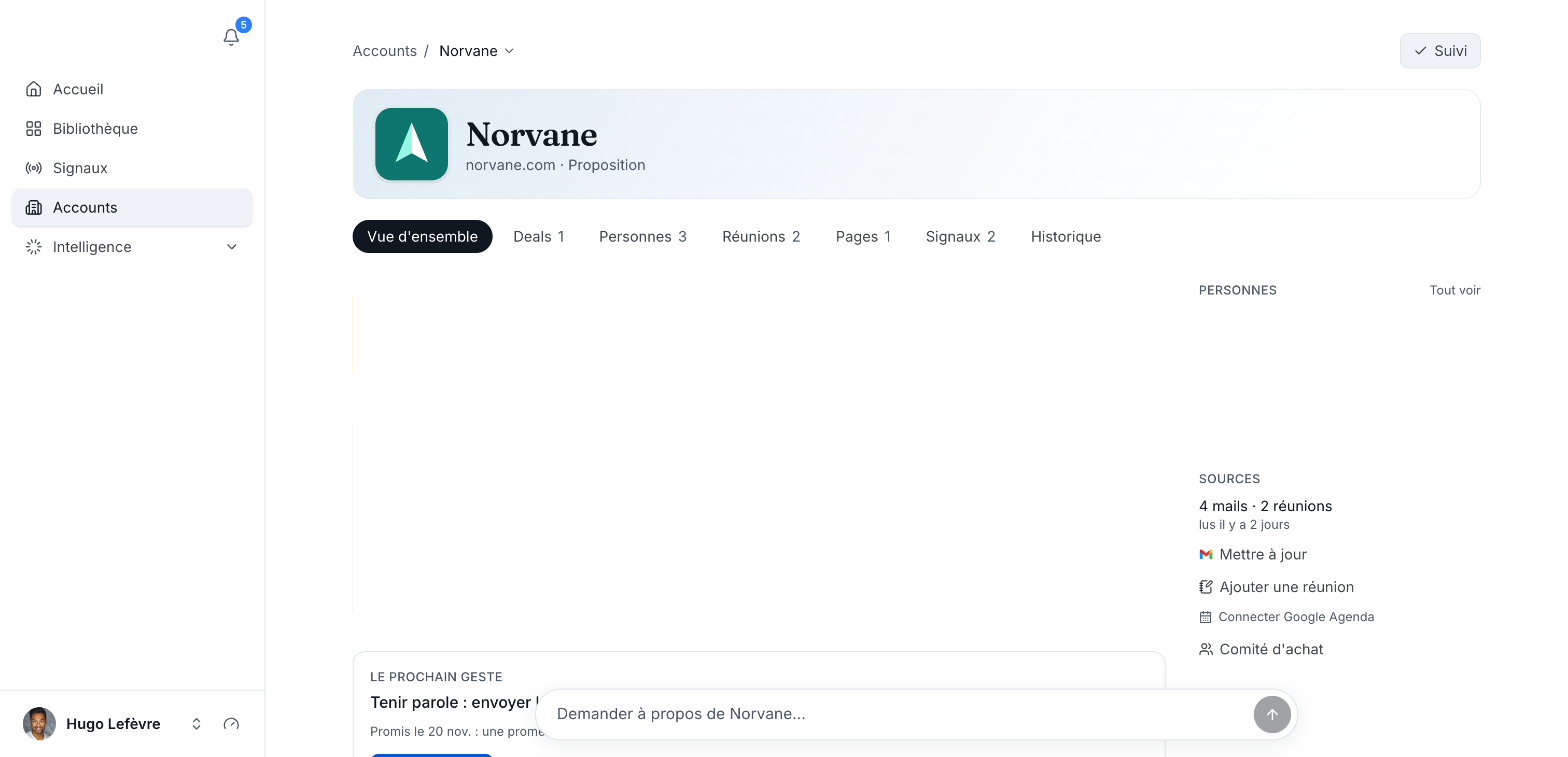
app.getsophia.fr/accounts/norvane
The Norvane account page in Sophia: the open promise, the essentials and the people

After the call

The call becomes a deal room, in one request.

Ask for the page. Sophia starts from the call and your emails, uses the prospect's own words and publishes nothing without a source.

  • The prospect's needs, each with its source.
  • The right case study, picked for their industry.
  • A figure without a source is left out, and Sophia tells you which.
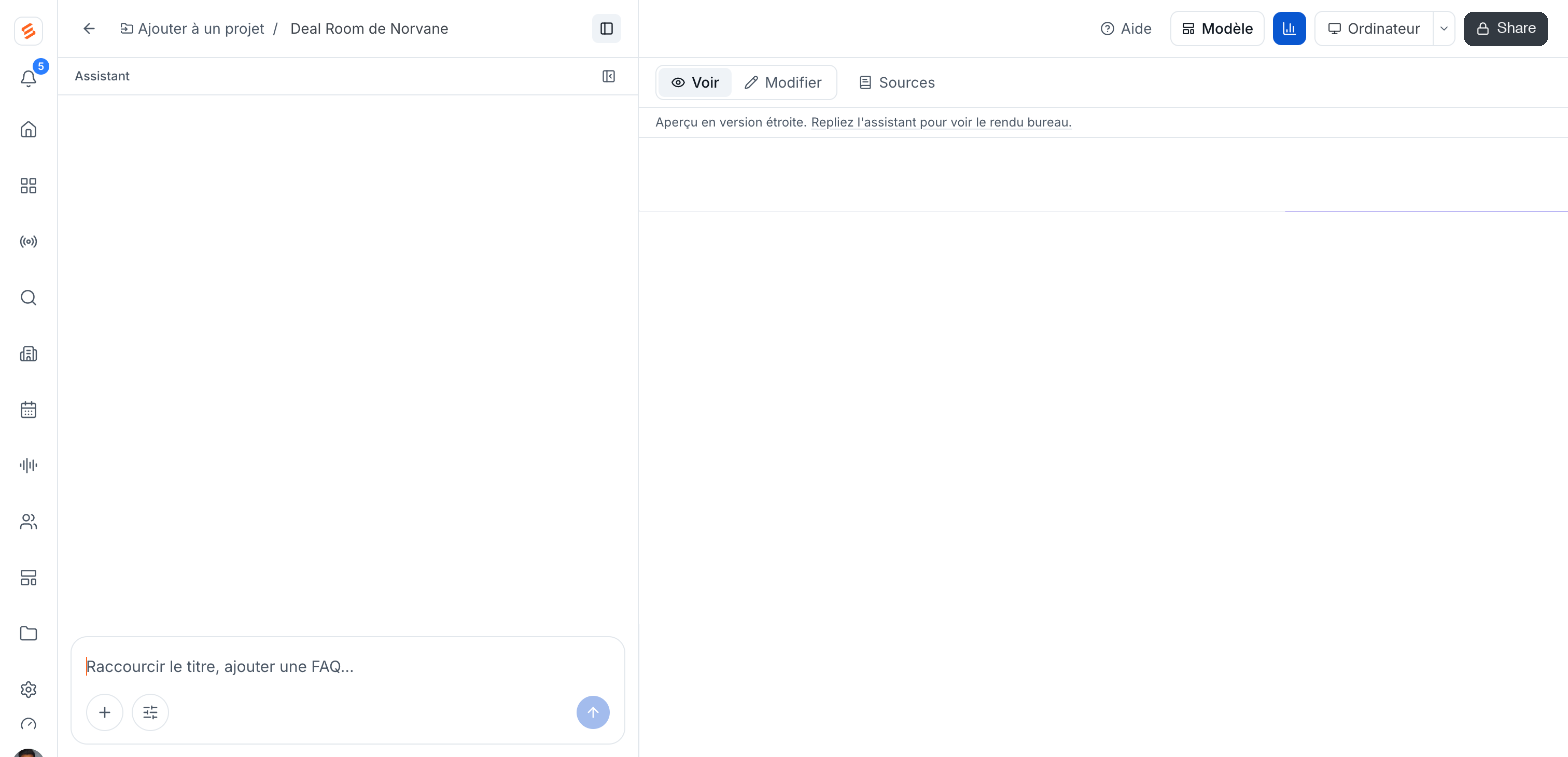
app.getsophia.fr/pages/norvane
Sophia builds Norvane's deal room from the call: the thread on the left, the page on the right

The buyer acts

The buyer approves, corrects and moves forward on the page.

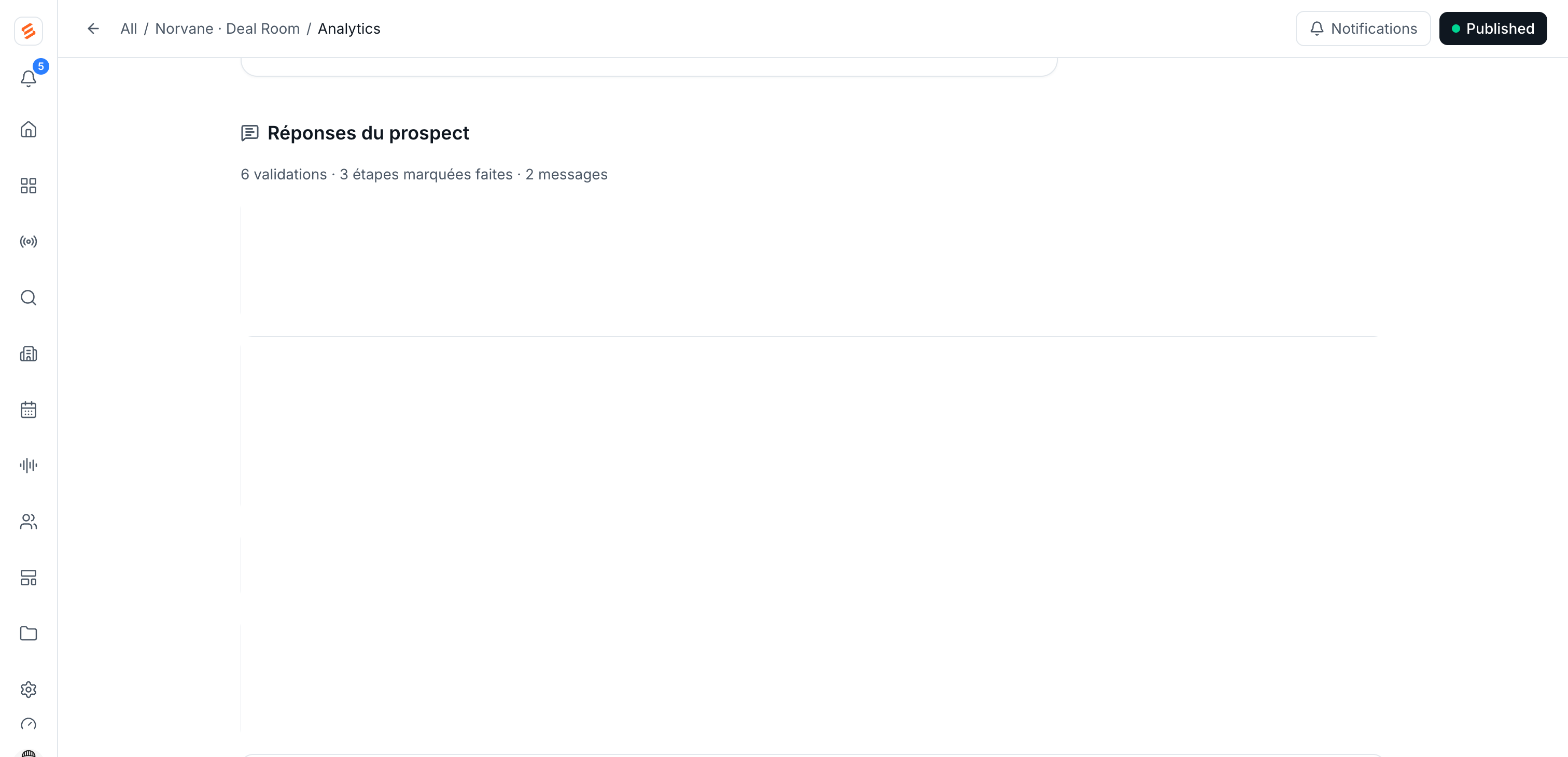
On the deal room, the buyer confirms what's right, asks for a correction and checks off steps. You see every action, and who took it.

  • An approval or a correction, need by need.
  • The shared action plan, step by step.
  • The buyer's message lands in Sophia, not in a forgotten PDF.
app.getsophia.fr/pages/norvane/analytics
Norvane's responses on its deal room: approvals, a requested correction, a completed step

Who read what

Know who read what, and what never landed.

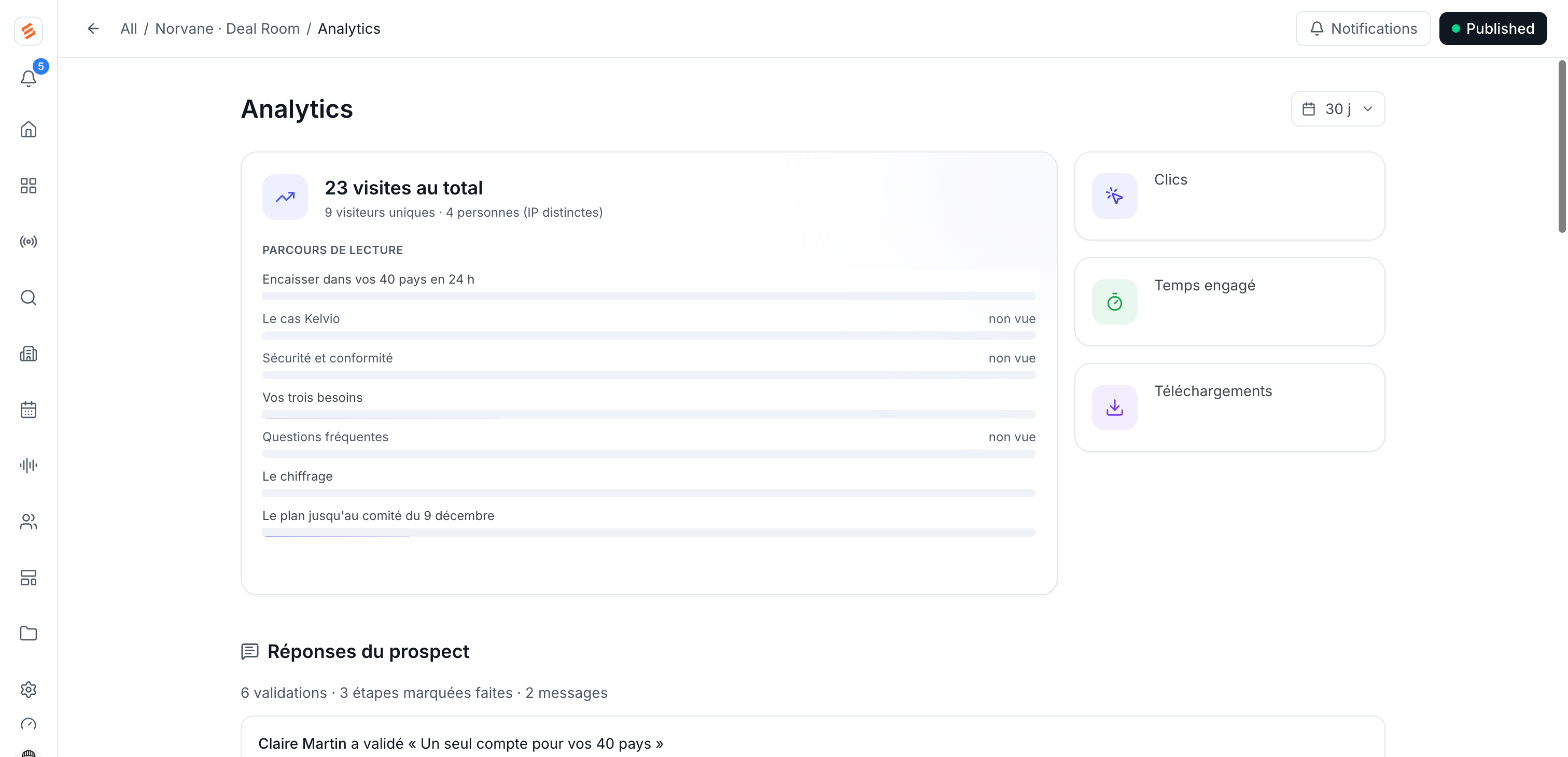
Visits, readers and time spent, section by section. Sophia tells you what nobody reached, so you can bring it up in the follow-up.

  • The reading path of every page.
  • Time spent on pricing, the plan, the case studies.
  • Real reads only: bots and your team excluded.
app.getsophia.fr/pages/norvane/analytics
The reading path of Norvane's deal room, section by section

Follow up

The right follow-up, at the right time.

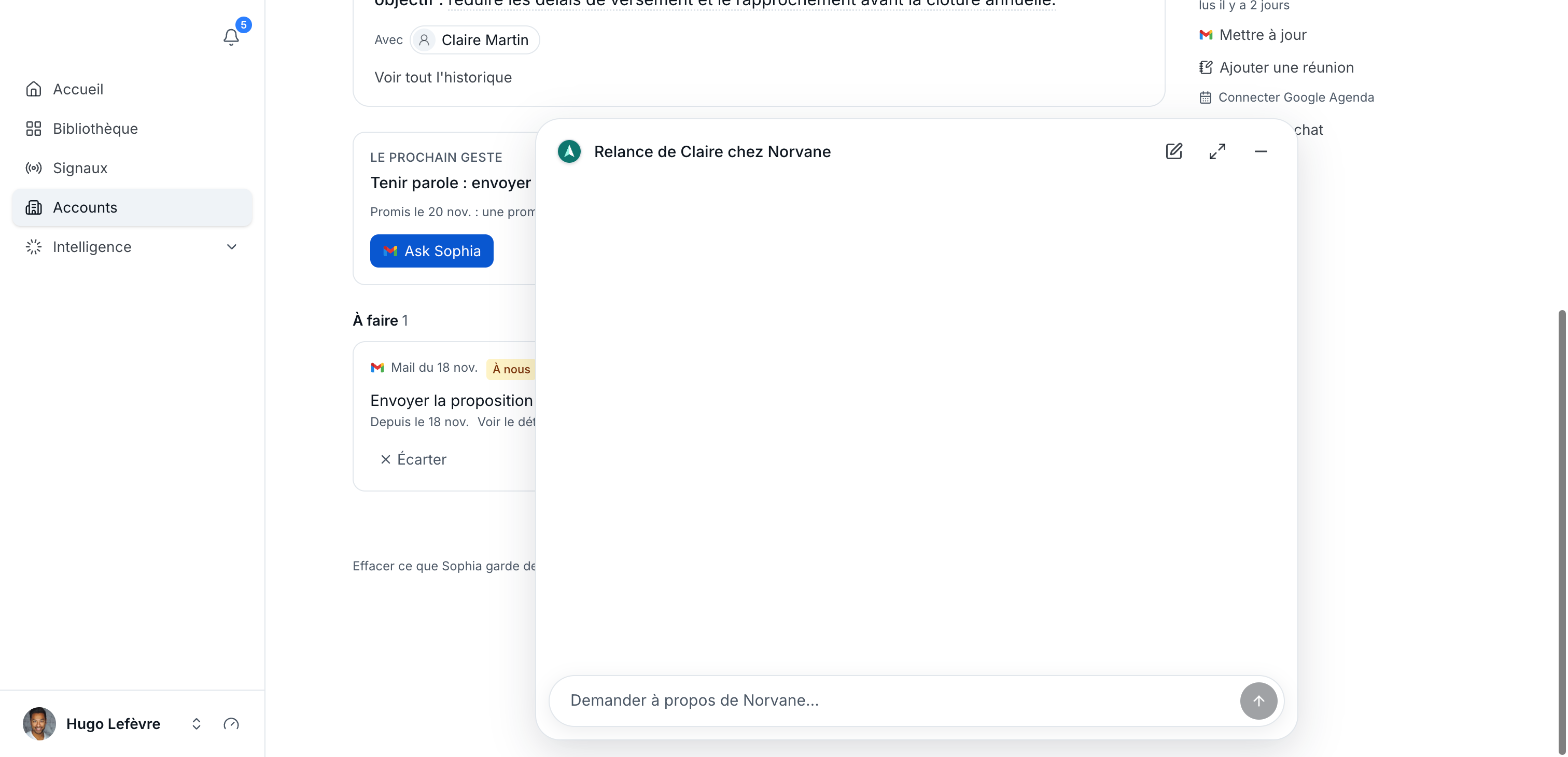
Sophia picks the account's next step and drafts the email, based on what was promised and what was read. Nothing goes out without you.

  • One next step per account, explained.
  • The draft in your inbox, in your own writing style.
  • Stalling deals, flagged before it's too late.
app.getsophia.fr/accounts/norvane
The next step on the Norvane account and the follow-up drafted by Sophia

FAQ

Account Executives with Sophia

Do I need a CRM?

No. Sophia reads HubSpot if it's connected, plus your emails and calls. Without a CRM, paste your call notes: the page starts from there.

Can Sophia make up a figure?

No. Every claim has a source: the call, an email, an approved case study. A figure without a source is not published, and Sophia tells you which one.

Does the buyer see our sources and internal notes?

No. Sources stay in Sophia; the buyer only sees the page.

How long does a deal room take?

A few minutes after the call. You review, adjust if needed, and publish.

Does Sophia send emails for me?

Never. It drafts the email in your inbox, and you send it.

Your next deal deserves better than a PDF.

Thirty minutes, a real deal: you leave with its deal room.