Every rep goes out with the right content.

Your team's pages, approved case studies, templates and what Sophia knows about your company. Every page goes out right, and you see what gets read.

Your context

What the agent knows about you, approved by you.

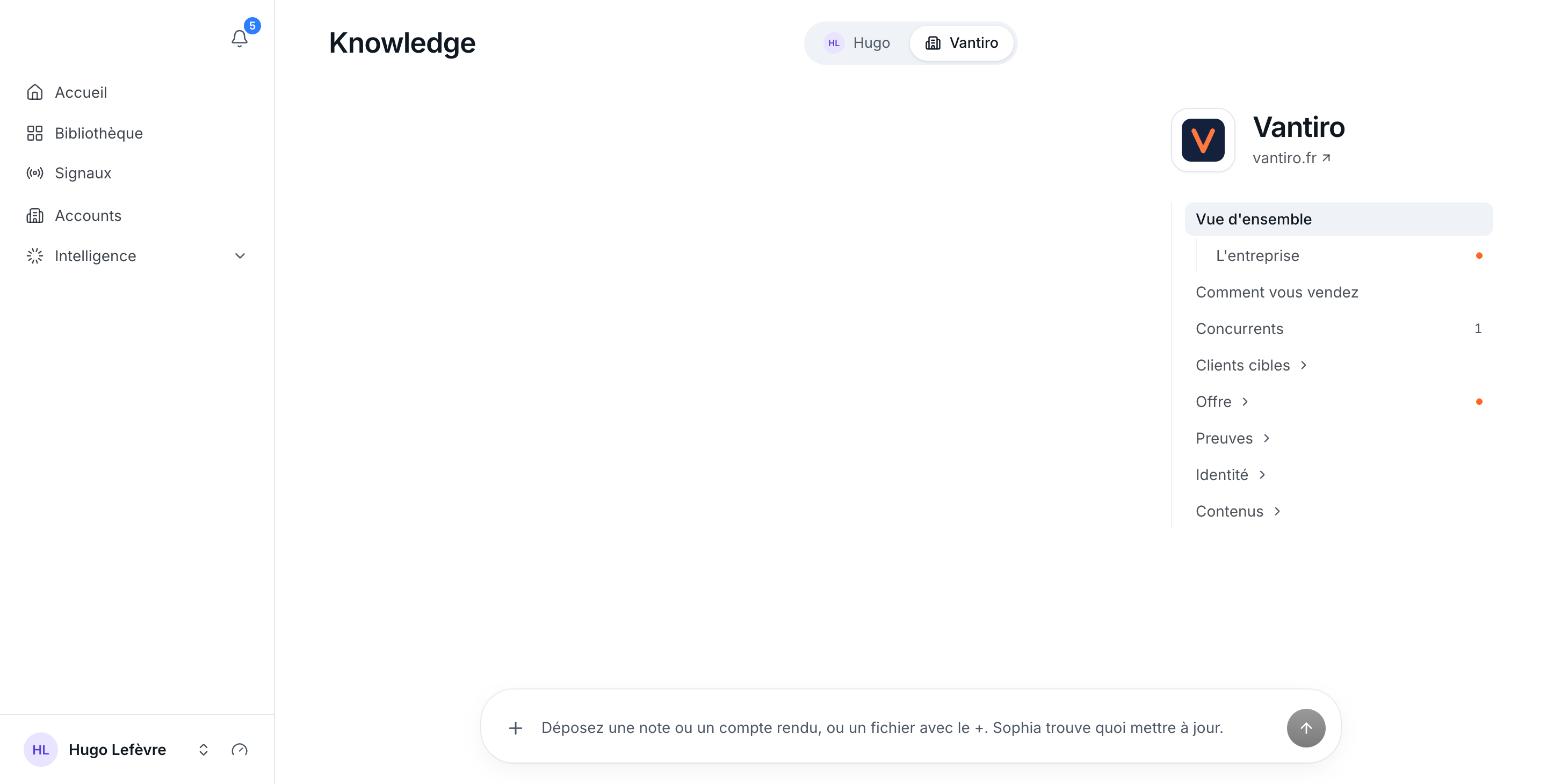
Your offer, target customers, positioning, proof and the way you sell. Sophia builds every page on that foundation, shared by the whole team.

  • Drop a note or a call summary, and Sophia suggests what to update.
  • Nothing gets in without your approval.
  • A figure without a source is not published.
app.getsophia.fr/knowledge
Knowledge in Sophia: offer, proof, positioning and sales method

Usage

See who uses it, and how.

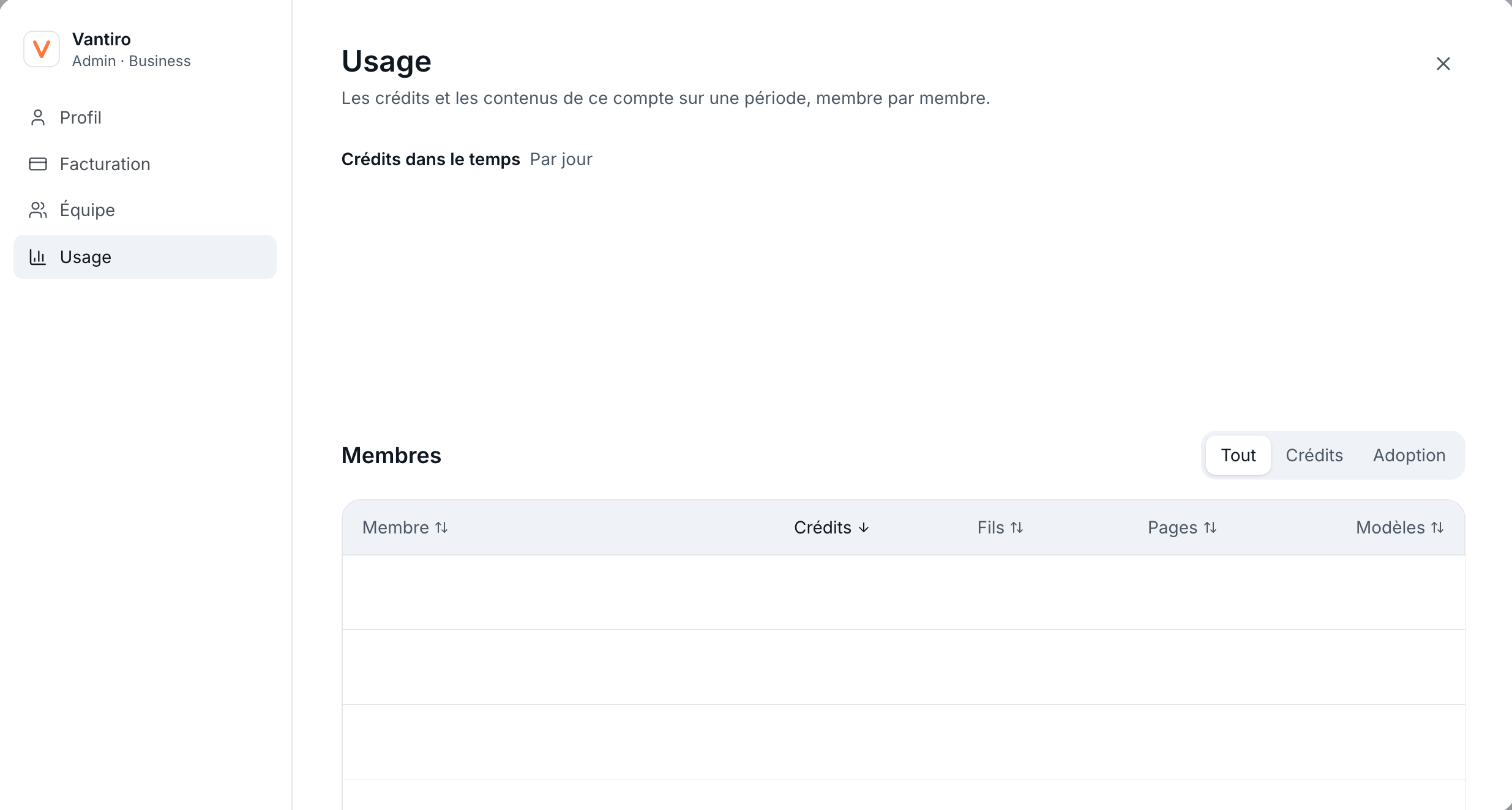
Credits day by day, and for every rep: threads, pages and templates. You know where the team has picked Sophia up, and where to help.

  • Credits for the period and their projection.
  • Detail per member: threads, pages, templates.
  • Team adoption, without asking for a report.
The Sophia Usage tab: credits per day and each member's activity

Library

Every page your team sends, in one place.

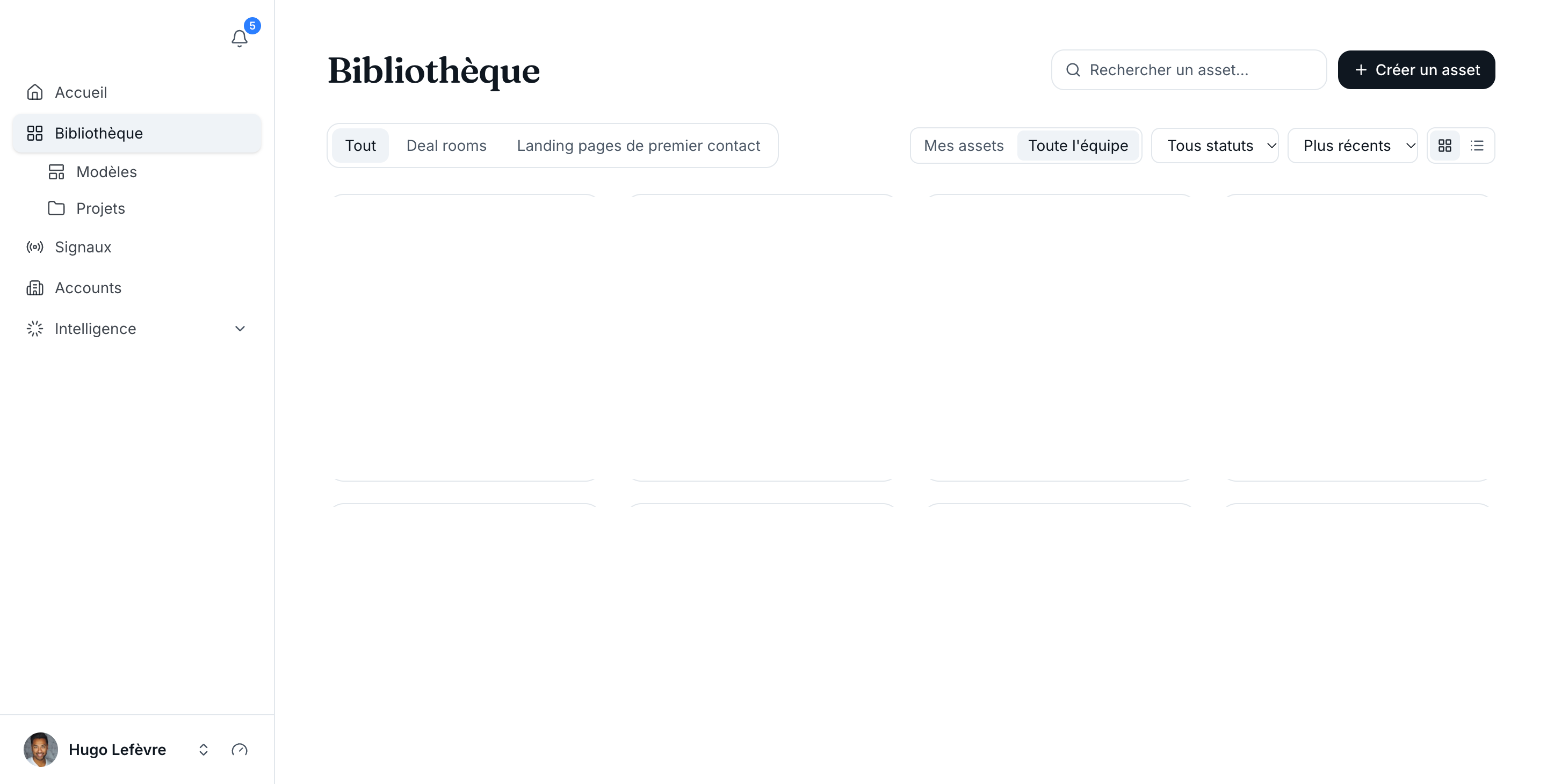
Deal rooms, landing pages, proposals: every page a rep sends lands in the team library, with its status and its reads.

  • “My assets” or “Whole team”, by type and status.
  • Views for every page, real reads only.
  • A good page gets reused: nothing starts from scratch.
app.getsophia.fr/library
The Sophia library: the team's pages with their status and views

Case studies

Approved case studies, and what they bring in.

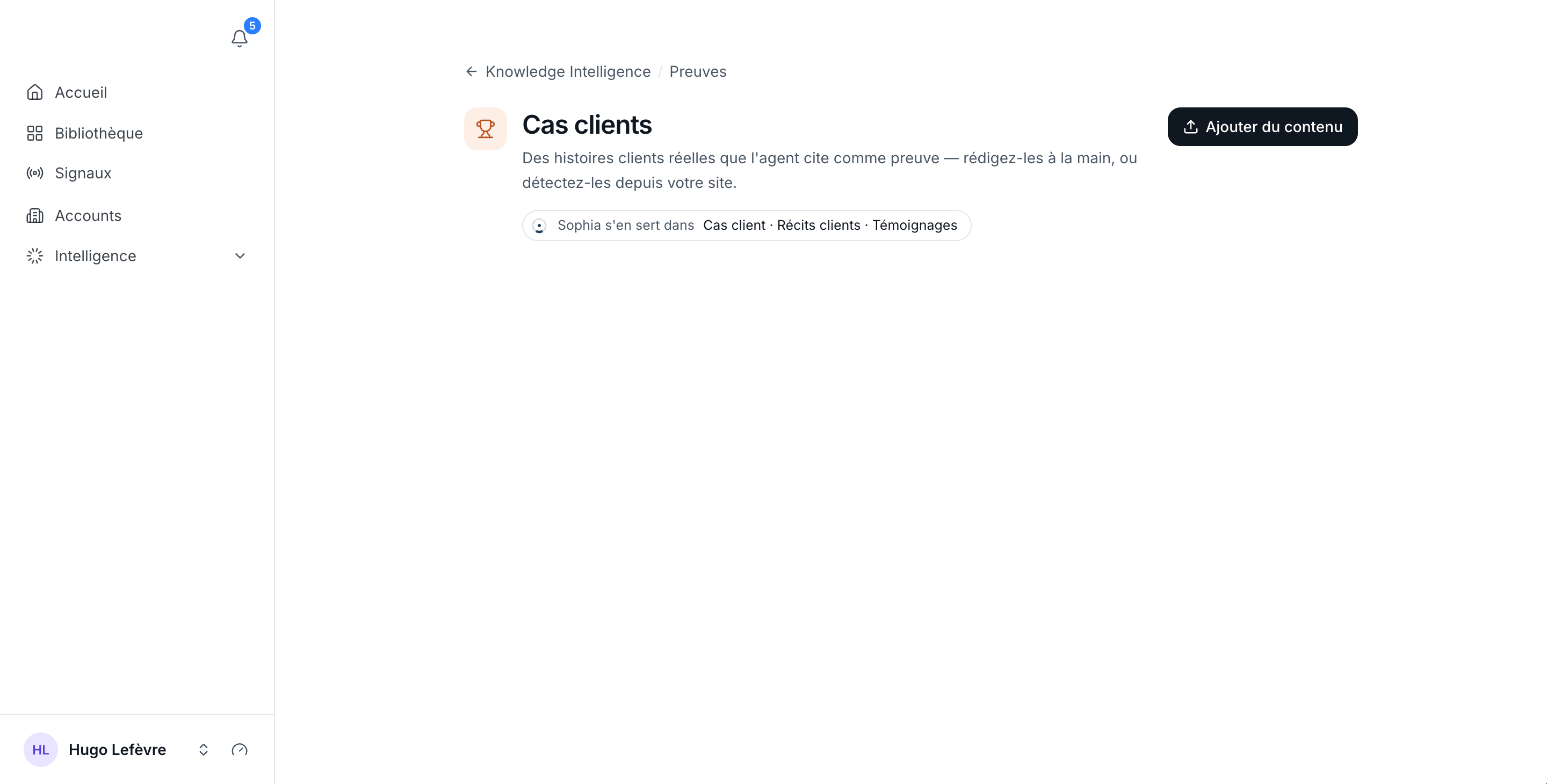
Each case study is approved once, with its figures and its quote. The agent picks the one closest to the prospect, and you see how often it was read.

  • Views, pages and share read, for every case.
  • Who approved it, and when.
  • Never a made-up example: only your cases are cited.
app.getsophia.fr/knowledge/case-studies
Sophia case studies: cards with figures, views and share read

Templates

Templates the whole team follows.

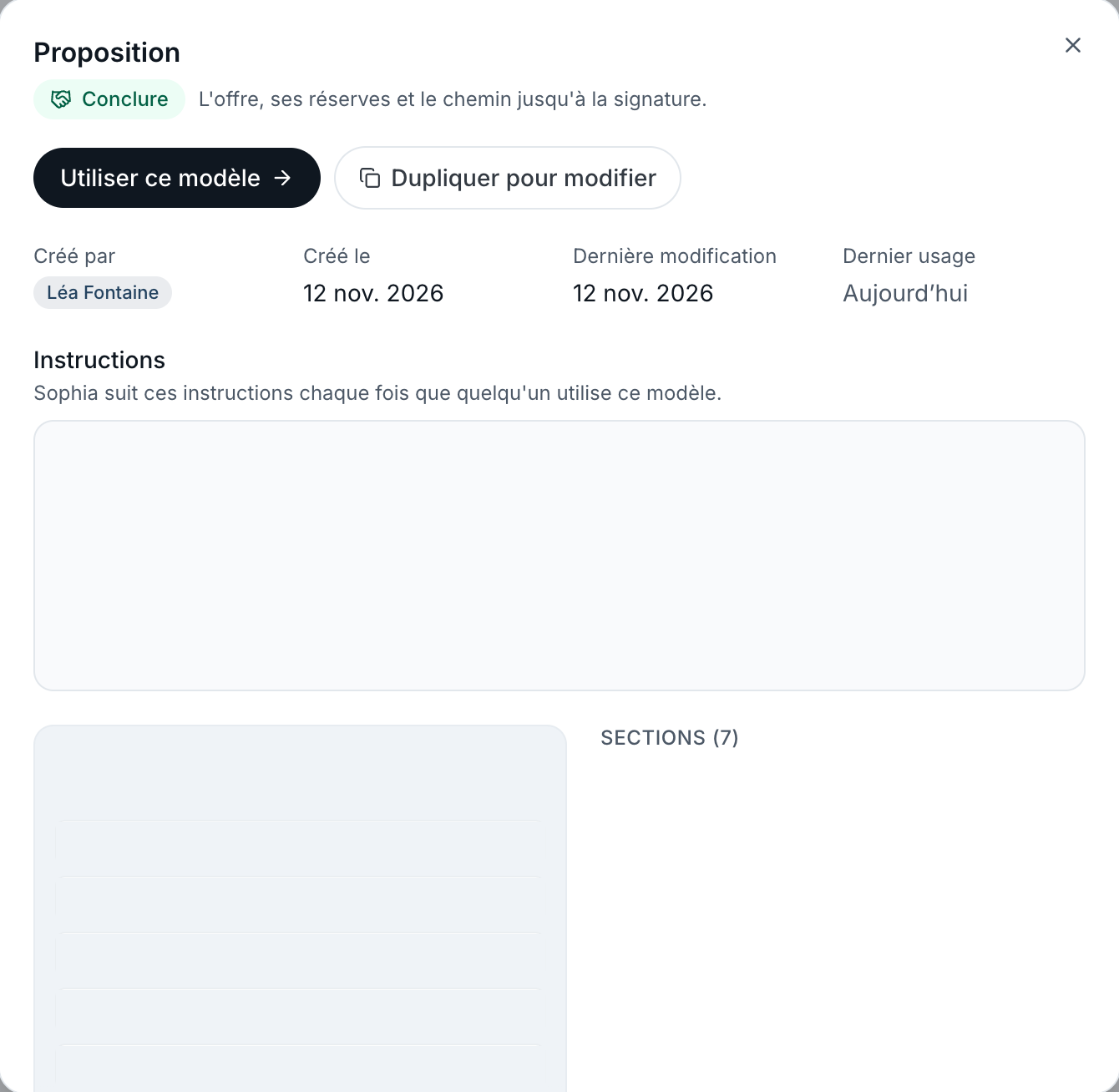
Write down the way you sell once: the sections, their order and the instructions Sophia applies to every page. Every rep starts from it, on brand.

  • Instructions read at every generation.
  • One template per stage: get a meeting, get evaluated, close, onboard.
  • Duplicate to adapt, without touching the team template.
The “Proposal” template in Sophia: its instructions and seven sections

FAQ

Sales Enablement with Sophia

What's in the library?

Every page your team has made: deal rooms, landing pages, proposals, with their status and views. Your company's documents, case studies and figures live in Knowledge, where the agent reads them.

Is a library document shown to the buyer?

Only if you decide so. Documents are internal by default: the agent uses them to understand, without publishing them.

How does the agent pick content?

It starts from the deal: the prospect's industry, challenges and stage. It takes the team's template and the matching approved content, and cites the source of every claim.

What do the stats show?

For every page, its views; for every case study, the pages that carried it, its views and the share read; for every rep, credits, threads and pages. Bot reads and your own team's reads are not counted.

Can reps create their own pages?

Yes, from the team's templates. They adjust the copy; the brand and the approved content stay the same.
Equip every rep for every deal.

Thirty minutes, your content, a real deal: you leave with an on-brand page.